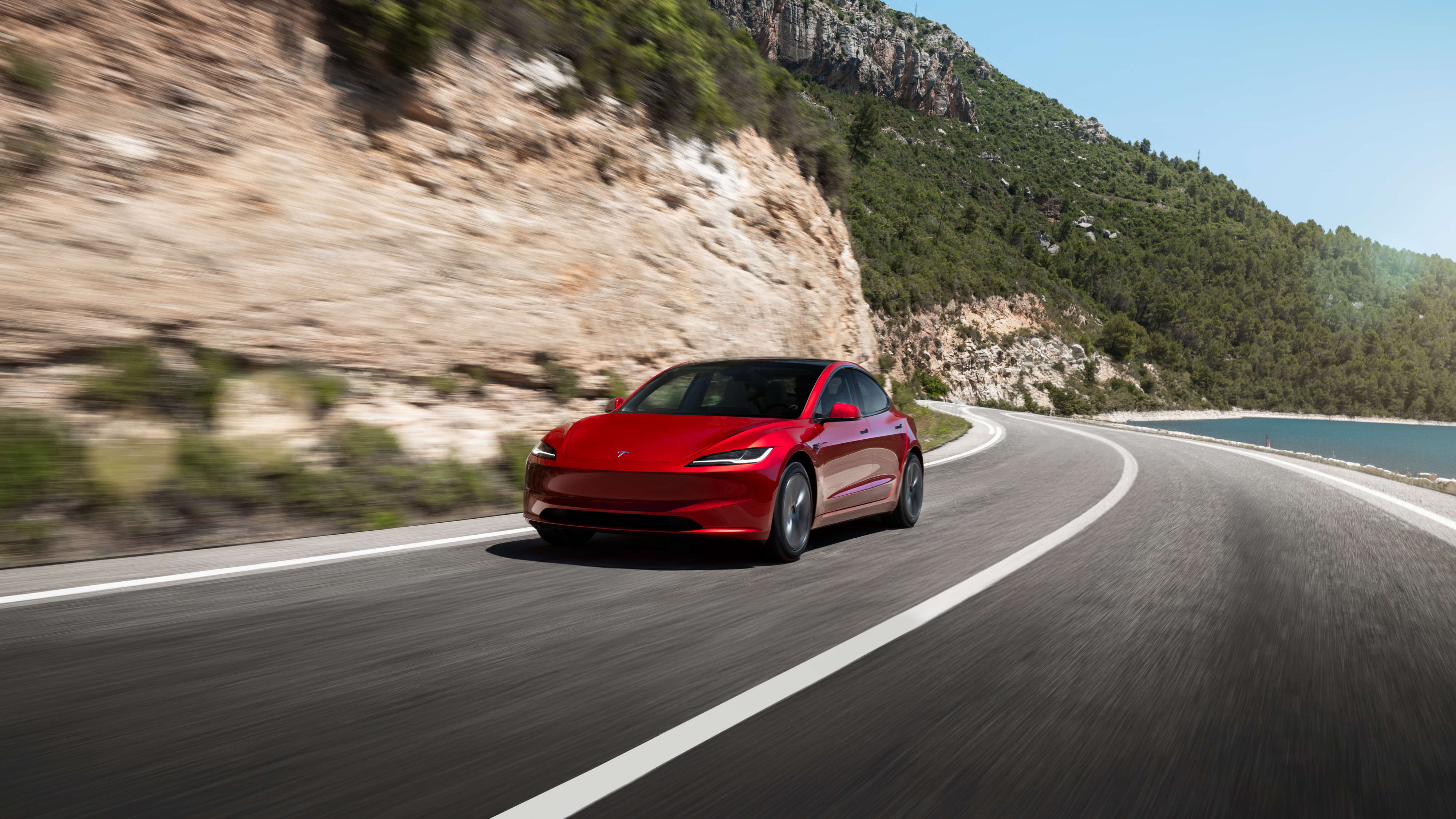
Model 3
Most accessible
SedanDaily
5Seats
RWD / AWDTrims
The first Tesla for a lot of people. Lower entry price, easy to live with in a city.
Order with referralTesla referral code USA · Updated Aug 22, 2026
Open the link before you configure the car and pay the order fee. If you already ordered, it is too late. Tesla changes the reward: confirm it in the order summary.
tesla.com/referral/hector10532
I'm Hector. I own a 2025 Model 3. This site is mine, not Tesla's. The link is official and costs you nothing extra.
⌄About 2 minutes
Order matters. If you start the order without the link, the reward will not apply.
Go to tesla.com/referral/hector10532 in the same browser you will use to buy. That ties your session to the referral. Pasting only hector10532 does nothing; it has to be the full link.
Pick model, color, wheels, and interior. Take your time. The referral stays on that session.
Before you pay the order fee, check that 3 months of FSD (Supervised) — or whatever Tesla is offering that day — shows in the summary.
If you do not see the reward, do not pay yet. It may be off in your region that day. Tesla moves this often.
What people ask
Short answers so you do not lose the reward.
As of August 2026, Model 3, Model Y, and Cybertruck typically get 3 months of Full Self-Driving (Supervised) through an active referral link. It does not cut the list price. Confirm it at checkout. Tesla changes the program without notice.
No. Open the link before you configure and pay the order fee. If you already paid, Tesla will not add it.
Yes. For a US order use tesla.com/referral/hector10532. For Mexico, use the Spanish page and tesla.com/es_mx/referral/hector10532.
No. The car price stays the same. The link only unlocks the referral reward if it is active.
Buyer rewards are usually for the first eligible purchase. If you already had a Tesla, check checkout. If the reward is missing, the program is not giving it to you.
No. Tesla does not give you a coupon box at checkout. The reward attaches when you open the full link https://www.tesla.com/referral/hector10532 and configure the car in that same tab.
Any owner's official link works the same on Tesla's side. Mine is from a real owner. This page exists so you apply it in the right order and do not lose it.
Why use a referral?
It costs you nothing extra. It only unlocks what Tesla already gives people who come through an owner.
That is the reward Tesla is giving now on Model 3, Model Y, and Cybertruck. You still have to drive and supervise.
The car price does not go up. The link adds the reward. It does not remove inventory discounts.
Same browser, before the order fee. After that, there is no box to paste it in.
Find yours
Quick compare. Official range, price, and trims live on tesla.com. All three can take the referral.
Most accessible
The first Tesla for a lot of people. Lower entry price, easy to live with in a city.
Order with referral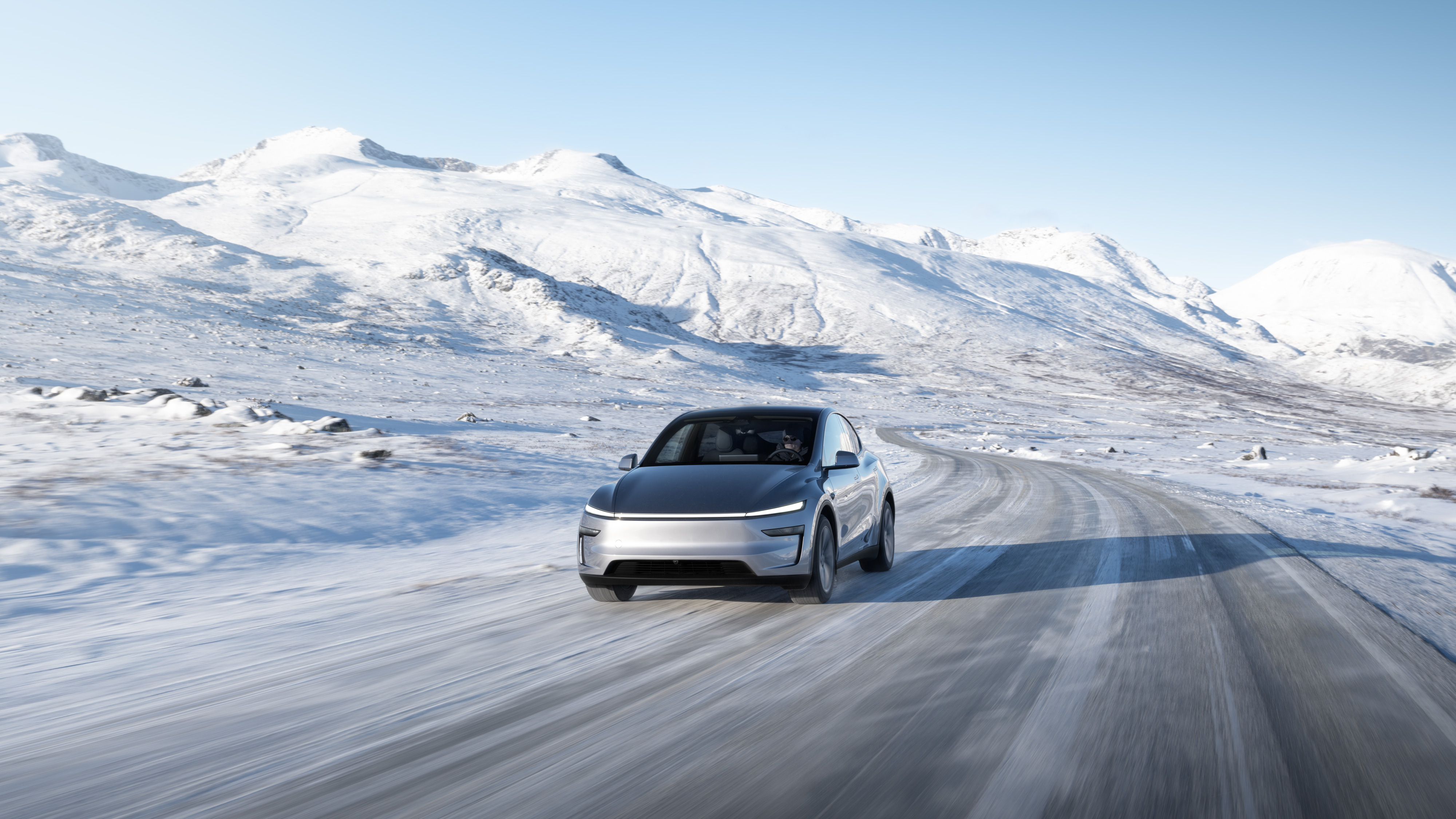
More space
The one people pick when they travel with people or stuff. Same platform, taller, more cargo.
Order with referral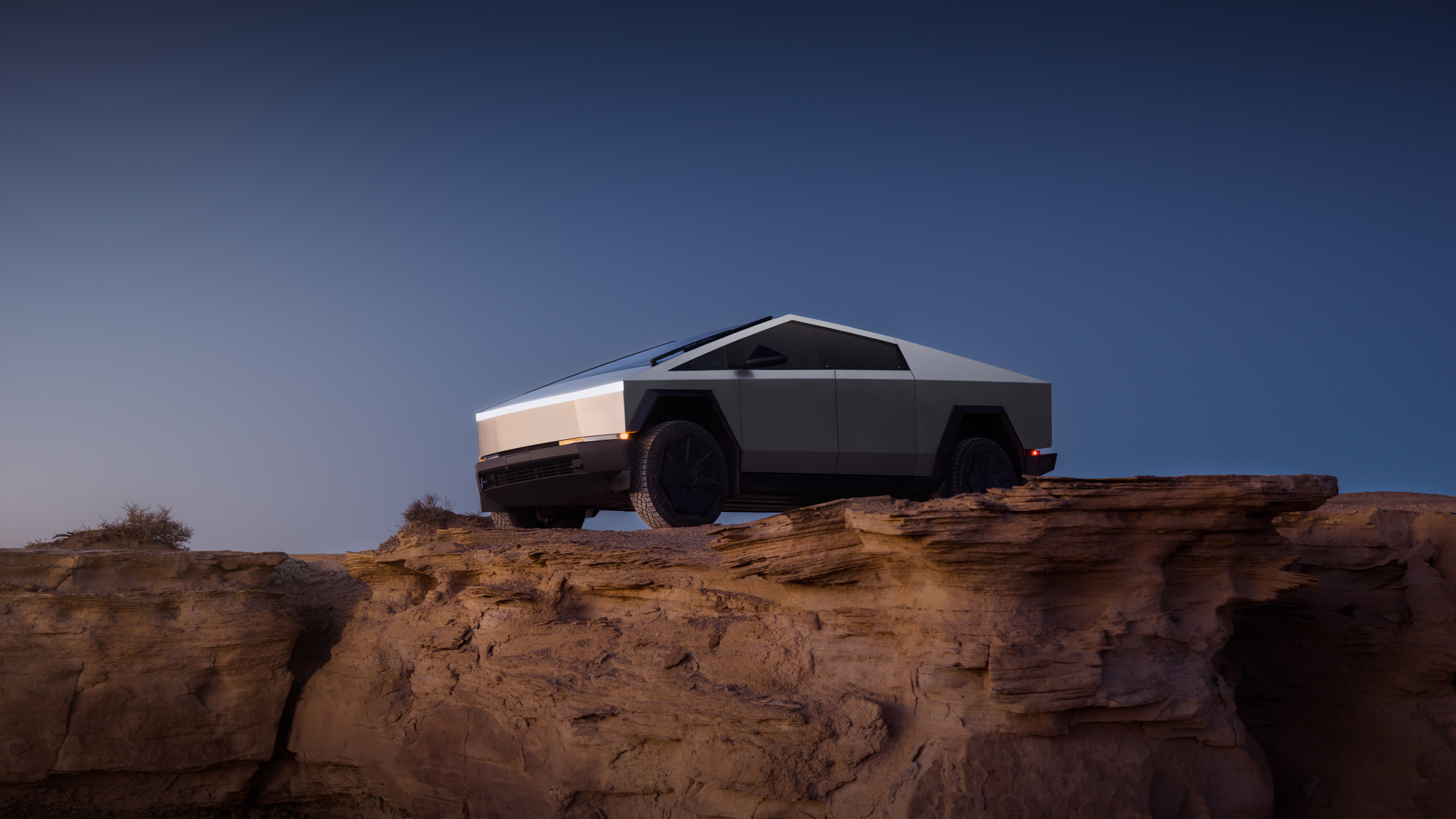
Work / dirt
For work, off-road, or if you want the pickup. Check availability on tesla.com.
Order with referralCoverage
Yes, and in Mexico too. Use the matching regional link.
Use this link: https://www.tesla.com/referral/hector10532. Open it before you configure, and confirm FSD (or the current reward) in the summary.
Use this link: https://www.tesla.com/es_mx/referral/hector10532. Guide on the Spanish page. Opening just the name hector10532 does nothing.
Link, configure, check that FSD is in the summary, then place the order. That is it.
Use my referral link →